What this is
A 4-phase tempo system for strength steps: eccentric, pause, concentric, and top hold durations.
Become harder to break.
Strength execution detail
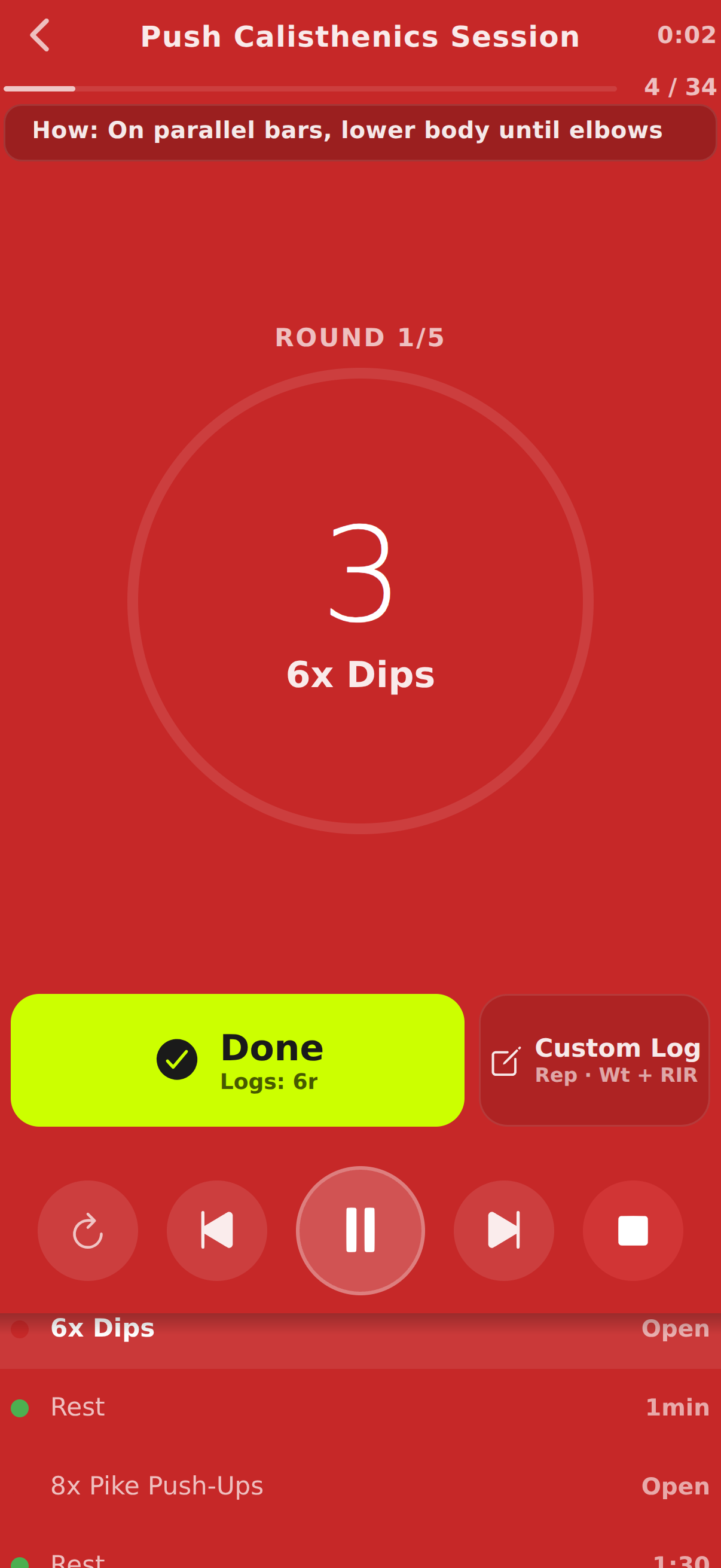
Tempo work only helps when cues are explicit. untraind lets you define phase-by-phase tempo in the editor and keeps those constraints visible during execution.
Pressure-tested workout execution, not stopwatch theater.
Train offline. Track everything. Keep going.


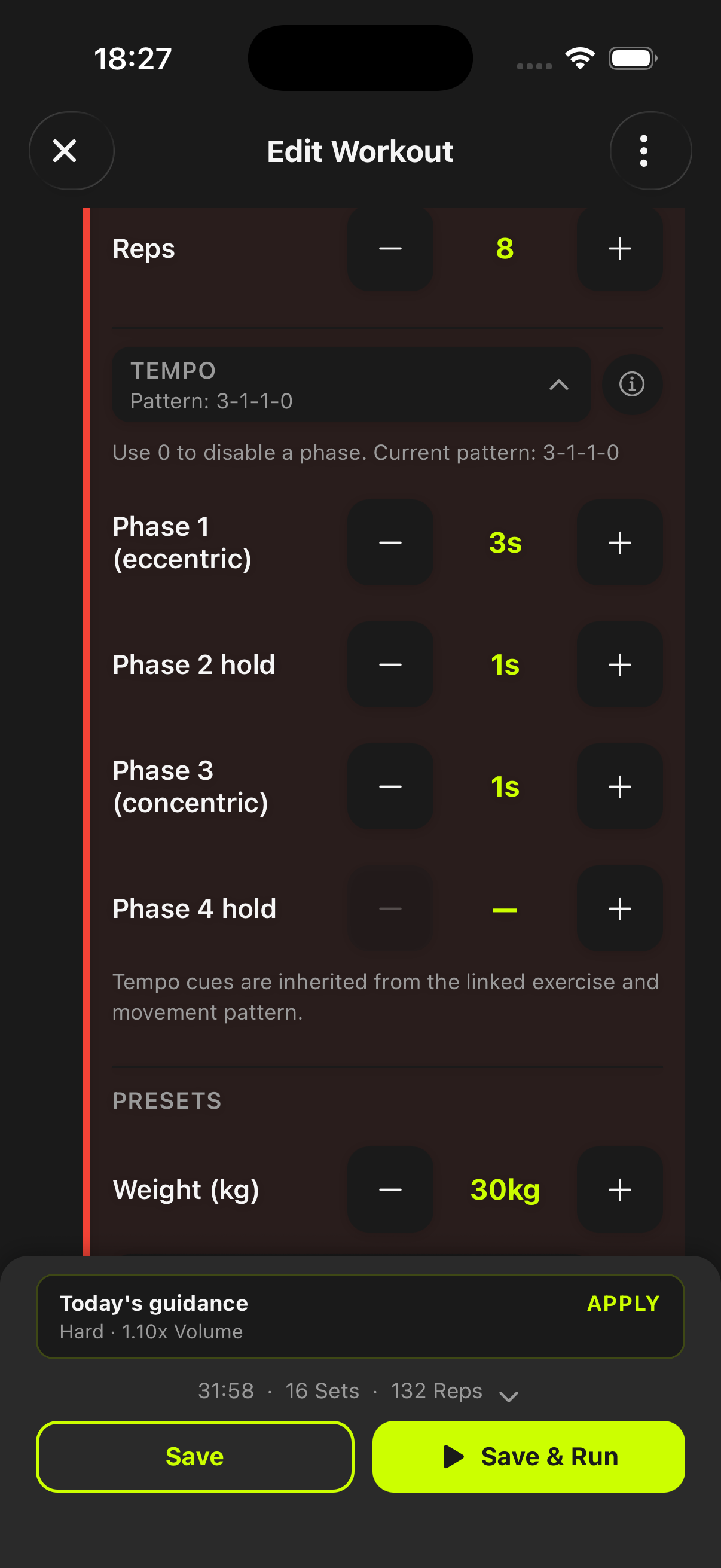
A 4-phase tempo system for strength steps: eccentric, pause, concentric, and top hold durations.
Consistent rep quality, better movement control, and predictable tension targets across sets.
Use it for hypertrophy and technique blocks where rep speed and control matter as much as load.
Become harder to break.
Tempo is configured directly on exercise blocks in the workout editor, then stays visible inside EMOM, AMRAP, Ladder, and For Time templates.
Set phase durations for eccentric, pause, concentric, and hold without leaving the block editor.
Use zero-value phases to keep tempo strict where needed and lightweight where speed is the goal.
Tempo settings can coexist with training-method blocks and backoff patterns in one template.
No. Tempo control is part of the normal workout editor and can be applied per exercise block.
Yes. Tempo is a block-level strength setting and works within training-method templates that include those formats.
No. You can start with simple patterns and add stricter phase timing as your training demands increase.
Start before you feel ready
untraind keeps the workout useful after the motivation fades. Build the session, run it cleanly, and keep the evidence on your phone.