What this is
A count-up race timer for For Time blocks with optional time caps.
Become harder to break.
For Time execution
For Time sessions are about sustained pace under pressure. untraind gives you count-up timing, round cues, and quick logs so you focus on output instead of timer management.
Pressure-tested workout execution, not stopwatch theater.
Train offline. Track everything. Keep going.


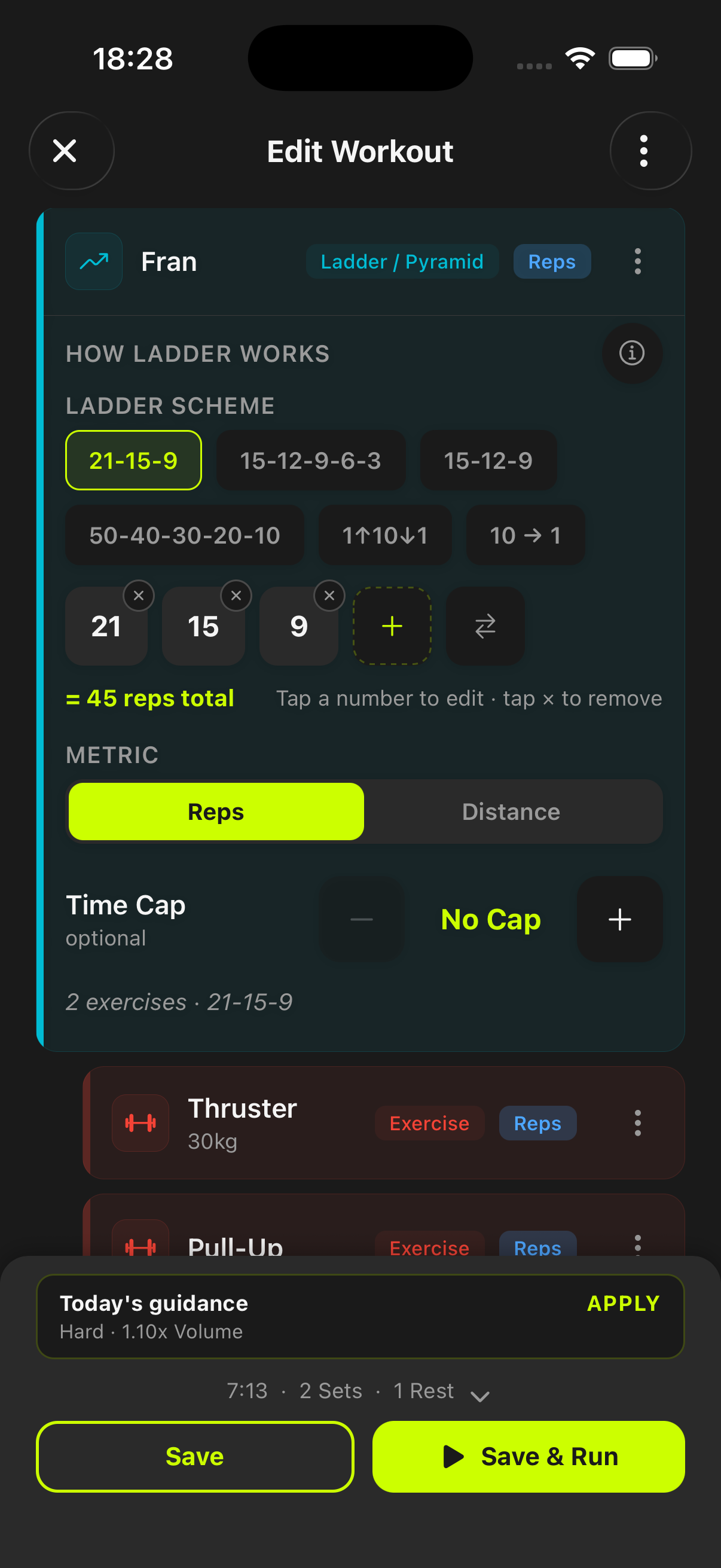
A count-up race timer for For Time blocks with optional time caps.
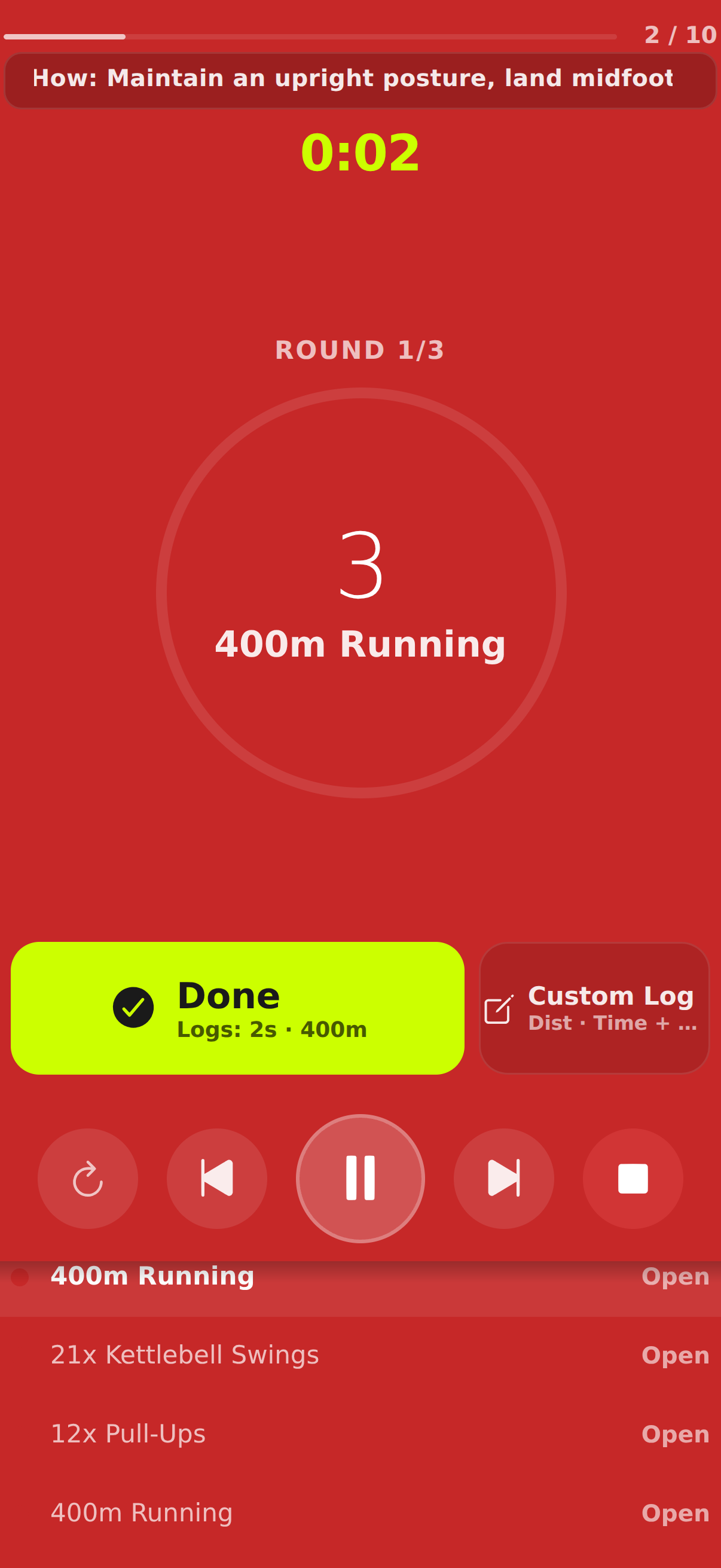
Done and custom log actions on each open step while rounds and elapsed race time stay visible.
Use it for benchmark race formats where completion speed matters and transitions must stay clean.
Become harder to break.
Instead of generic intervals, untraind gives For Time sessions count-up steps, round sequencing, optional time caps, and in-session logging aligned to race-style pacing.
For Time blocks show elapsed race time with Done and Custom Log actions on each open step so completion stays fast.
For Time, EMOM, AMRAP, Ladder, and Density Zone use the same clear timers, cues, and logging patterns.
Builder exercises can be open (count-up) or timed (countdown), and tempo or backoff settings still carry into strength-focused steps.
Yes. For Time templates can be configured and executed with clear phase cues and fast set logging.
Yes. Timing is designed to stay stable during normal app switching.
For Time uses count-up execution by default, with optional time caps for race constraints. Timed countdown exercises can still be added where needed.
Start before you feel ready
untraind keeps the workout useful after the motivation fades. Build the session, run it cleanly, and keep the evidence on your phone.