What this is
A backoff pattern system that applies planned load offsets from the same base target weight.
Become harder to break.
Strength progression detail
Backoff planning should be explicit, not guessed mid-workout. untraind lets you define offsets from one base target and preview every resulting set load.
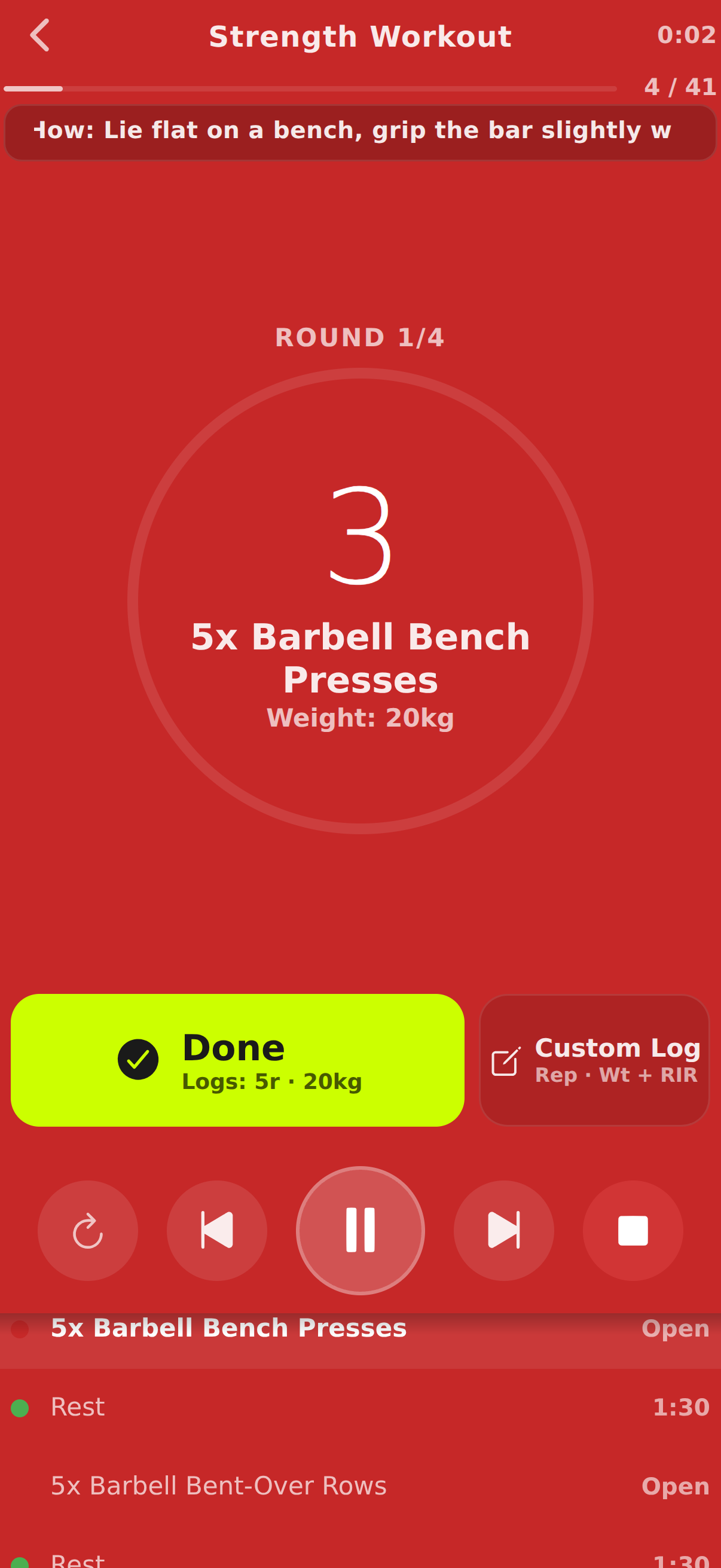
Pressure-tested workout execution, not stopwatch theater.
Train offline. Track everything. Keep going.


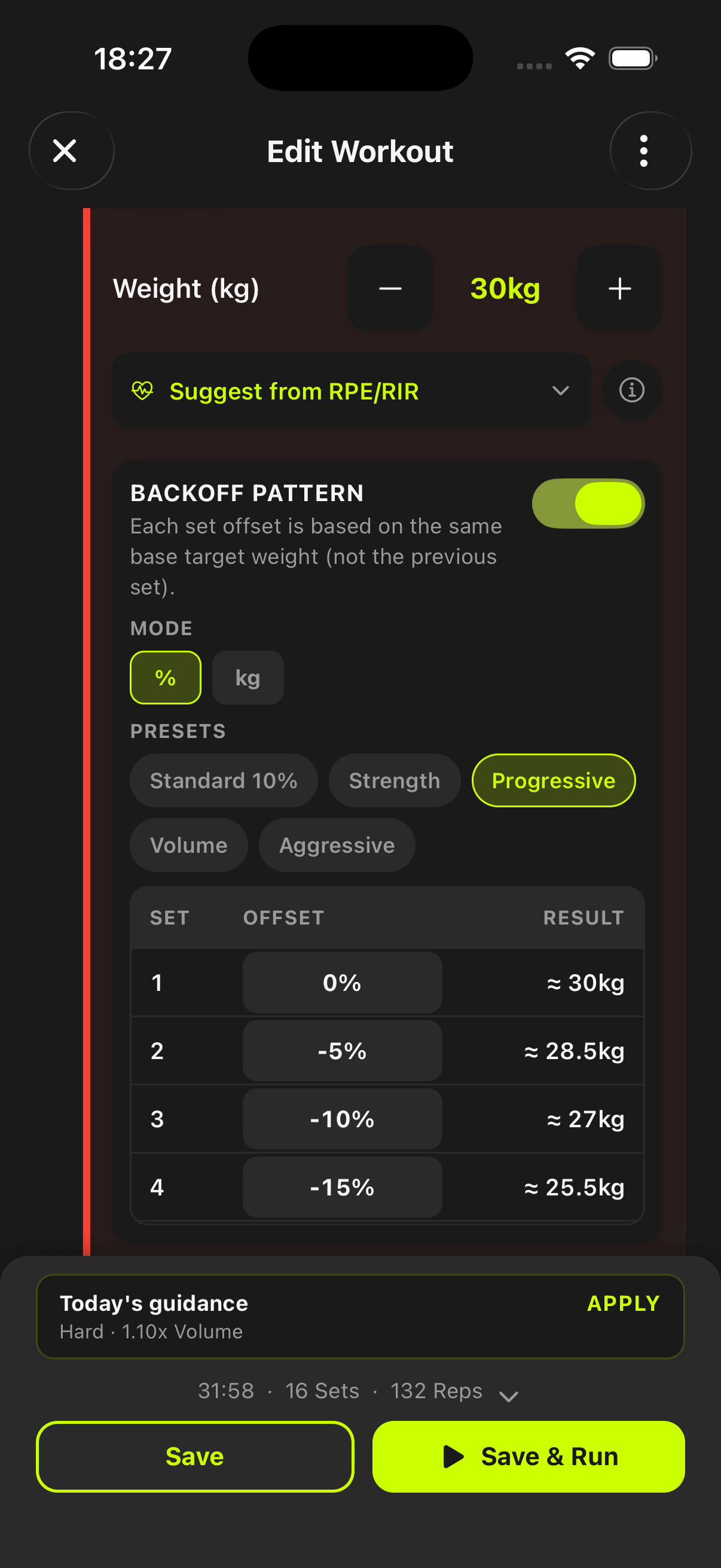
A backoff pattern system that applies planned load offsets from the same base target weight.
Predictable set-to-set load progression, faster in-session decisions, and cleaner fatigue management.
Use it on volume or technical strength work after heavier top sets where precision load drops matter.
Become harder to break.
Backoff patterns are configured at block level with percent or absolute modes, then resolved into explicit per-set targets before execution starts.
Switch between % and kg/lb style adjustments based on your programming preference.
Start from volume, strength, aggressive, or progressive presets, then refine set-by-set offsets.
See exact resulting weights per set so your execution matches the programmed fatigue strategy.
Backoff offsets are based on the same base target weight for consistency, not chained from the previous set.
Yes. Backoff and tempo settings can be combined on the same strength block.
No. untraind resolves and previews each set target in the editor before you run the workout.
Start before you feel ready
untraind keeps the workout useful after the motivation fades. Build the session, run it cleanly, and keep the evidence on your phone.