What this is
A dedicated AMRAP countdown flow with movement substeps, round tracking, and in-session controls.
Become harder to break.
AMRAP execution
AMRAP sessions break down when logging friction slows you down. untraind runs AMRAP as a dedicated countdown step with live round tracking, substep cues, and fast set capture.
Pressure-tested workout execution, not stopwatch theater.
Train offline. Track everything. Keep going.


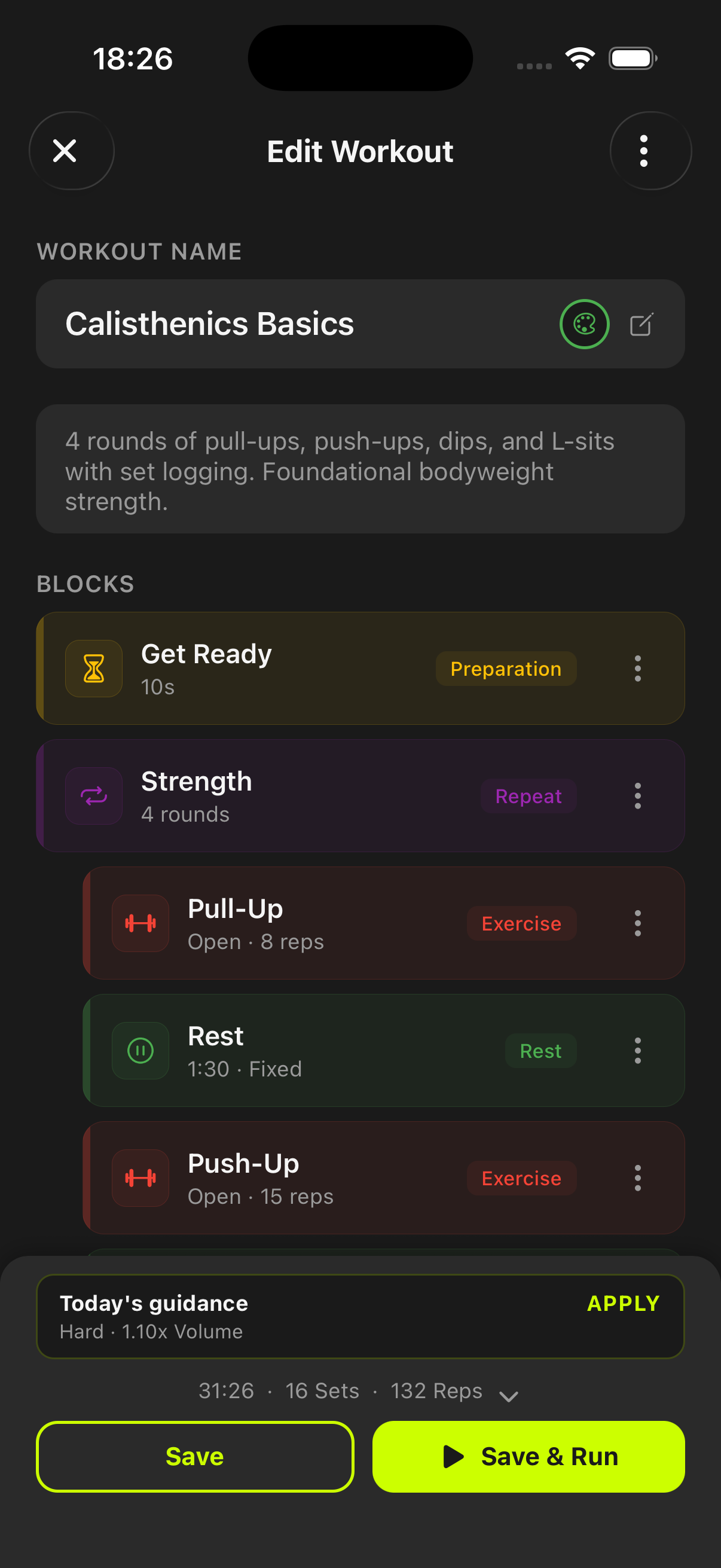
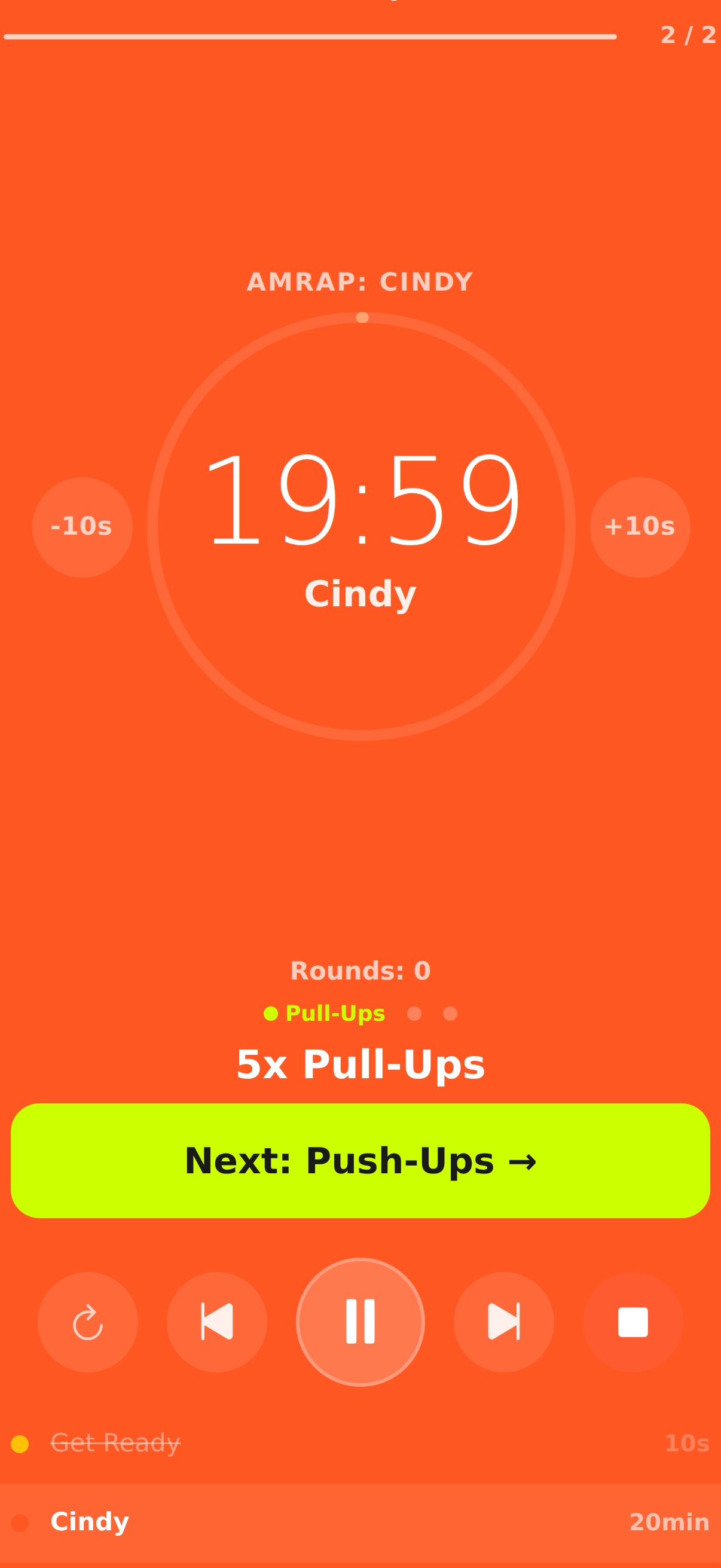
A dedicated AMRAP countdown flow with movement substeps, round tracking, and in-session controls.
Clear next-movement cues plus rapid rep logging so high-intensity AMRAP blocks stay trackable.
Use it for benchmark and conditioning AMRAP sessions when you need score visibility without breaking pace.
Become harder to break.
AMRAP is more than a stopwatch. untraind keeps the countdown, exercise cycle, round count, next movement, and logging controls visible throughout the set.
You see remaining AMRAP time, current movement, round count, and next exercise cue in one run view.
Rep controls and quick confirmations are optimized for fast interaction between hard efforts.
Tempo control and backoff patterns can be configured in the builder when your AMRAP block includes strength work.
No. It combines AMRAP countdown timing with movement substeps, rounds, and logging support.
Yes. AMRAP sessions work offline and do not depend on active internet connectivity.
Yes. Strength-oriented sets can carry tempo definitions and backoff targets into the workout.
Start before you feel ready
untraind keeps the workout useful after the motivation fades. Build the session, run it cleanly, and keep the evidence on your phone.